New App: Accent MiniPOS
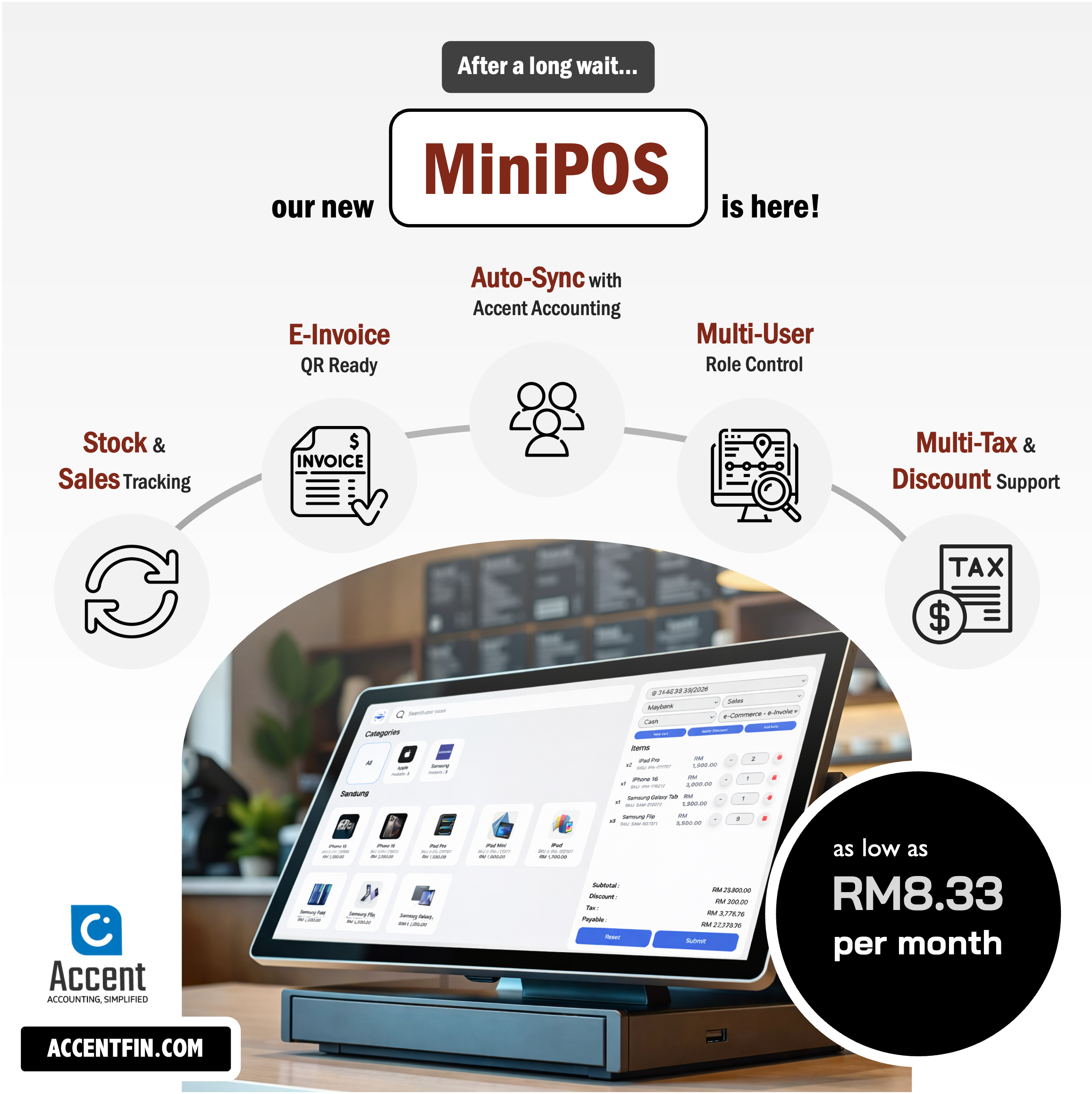
We’re excited to introduce Accent MiniPOS — a simple, powerful POS system fully integrated with Accent Cloud Accounting.
Now you can record sales, manage stock, print receipts, and stay e-Invoice ready — all while your accounting updates automatically in the background.
No manual exports.
No double entry.
No disconnected systems.
Why you’ll love it
Auto-sync to Accent Accounting
Every sale is recorded instantly into your accounting system — ready for reports and reconciliation.
E-Invoice QR ready
Print QR codes on receipts so customers can request e-invoices easily.
Multi-user control
Create Admin, Manager, and Cashier accounts without giving staff access to full accounting data.
Real-time stock tracking
Inventory updates automatically with every transaction.
Smart tax & discount handling
Support multiple taxes and apply fixed or percentage discounts during checkout.
How it works
Once activated from your Accent account, MiniPOS connects directly to your accounting system.
You configure:
-
Income accounts
-
Payment methods
-
Tax settings
-
Product lists
-
Classification codes (for e-invoice)
From there, every completed sale syncs automatically to Accent — appearing in your dashboards, reports, and financial statements without extra steps.
Need step-by-step guide?
👉 Follow the full setup tutorial here:
View Tutorial Here
FAQs
Do I need to manually import sales into accounting?
No. All sales automatically sync to Accent once MiniPOS is activated.
Can I control staff access?
Yes. You can create separate user roles such as Admin, Manager, and Cashier.
Is e-Invoice supported?
Yes. You can enable E-Invoice QR on receipts so customers can scan and request directly.
Accent MiniPOS is built for small businesses that want simplicity at the counter and clarity in their accounting.
Comments (0)